
Skip to content

Operate

Procedure: create a support ticket

Requirements: administrator role.

  1. Tap “New ticket”, at the top right of Support.
  2. Type the Subject — a short summary of the problem or question.
  3. Type the Description — the full detail: what you expected, what happened, steps to reproduce it if it’s a bug.
  4. Choose the Priority: Low, Medium, High or Urgent.
  5. Confirm the submission.

Result: the ticket shows up instantly in the table, in Open status and unassigned, ready for your provider’s team to handle.
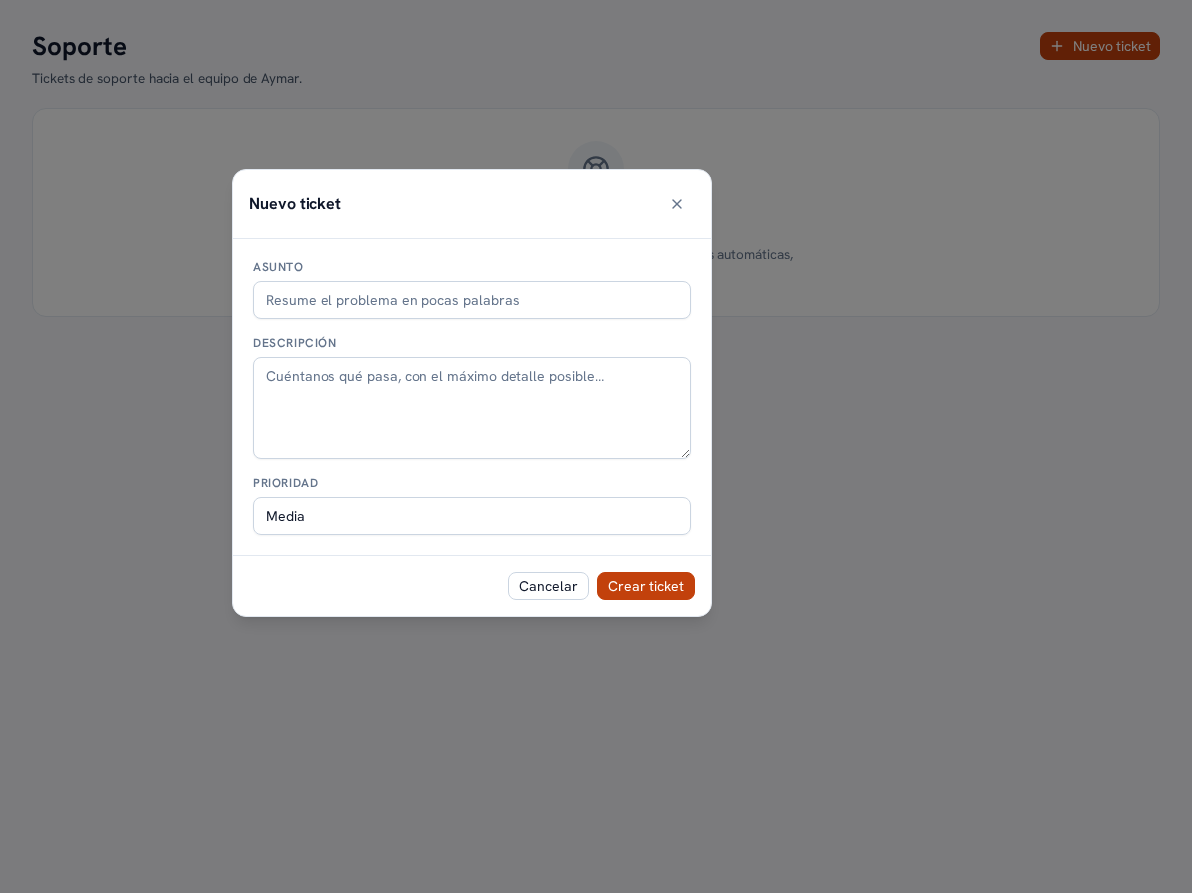
The New ticket window over the Support screen (tickets to your provider's support team), with the Subject field (placeholder "Summarize the problem in a few words"), the Description field (placeholder "Tell us what's happening, in as much detail as possible…"), the Priority selector on Medium, and the Cancel and Create ticket buttons