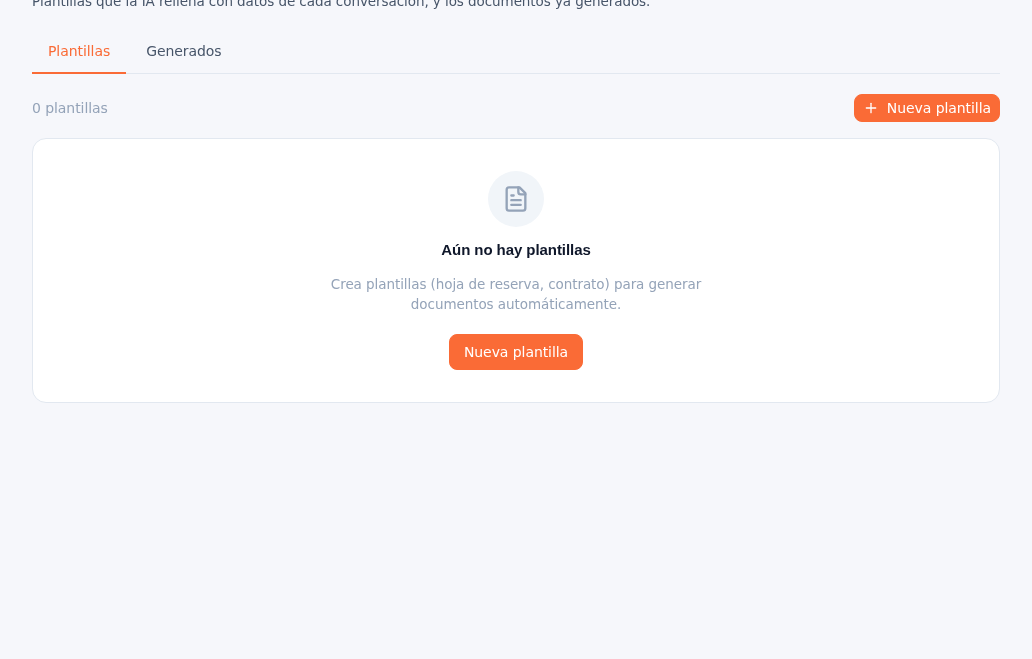
It has two tabs: Templates and Generated.
- Templates: the document templates available to your agency (for example, a booking sheet or a contract), with the variables the AI fills in automatically with data from each conversation. A counter at the top left (“0 templates”) shows how many exist, and the ”+ New template” button (top right, and also repeated in the center when the list is empty) opens creating a new one.
- Generated: the list of documents already created from those templates.
Note — No templates yet
If your agency doesn’t have any templates configured yet, the screen says so with the message “No templates yet”; anyone with the administrator or editor role can create them from the procedure in section 6.