Requirements: Admin role.
An administrator can unlink the channel for any team member — for example, if that person leaves the company or loses their phone.
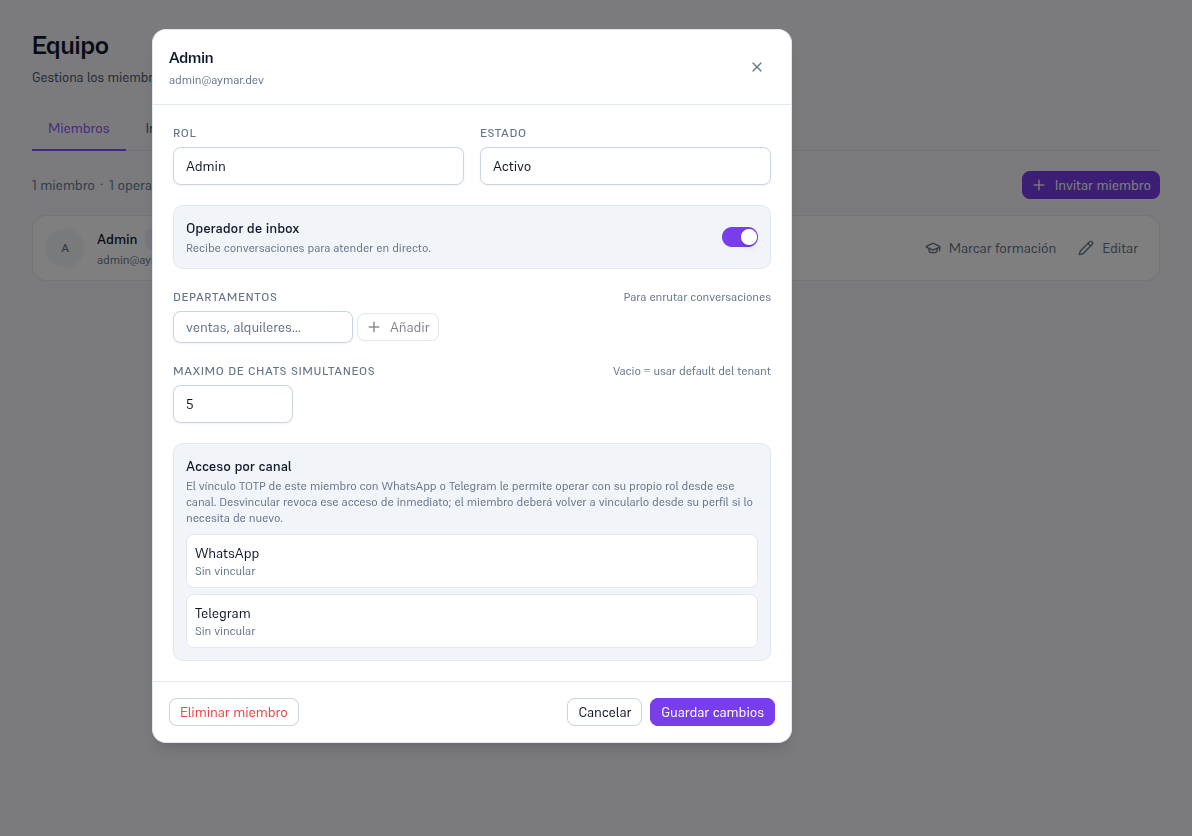
- Go into Team and tap “Edit” on the member in question (Manual 25).
- On the record, find the “Channel-linked access” section — it shows that member’s real WhatsApp and Telegram status (linked and to which partial identifier, or “Not linked”).
- If there’s a linked channel, tap “Unlink” on its row and confirm.
Result: that person’s access through that channel is revoked instantly. The member will have to link it again from their own Profile (sections 3-4) if they need it again — an admin can’t link on someone else’s behalf, only unlink.