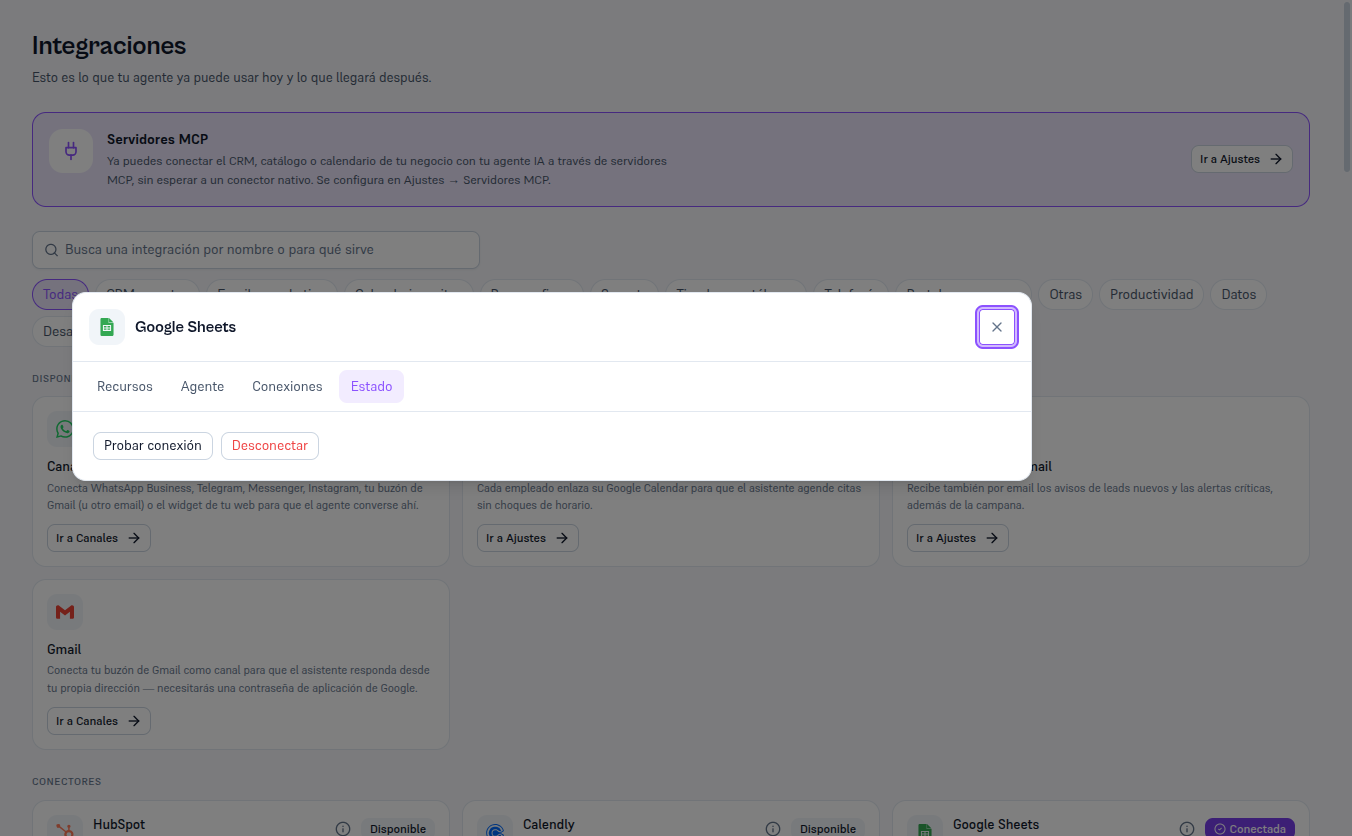
With Salesforce already connected, the detail’s Status tab includes a Test connection button that checks, on the spot, that the saved credentials are still valid against your Salesforce org.
Requirements: Admin role.
- Open Salesforce’s Details and go to the Status tab.
- Press Test connection.
Result: “Connection successful” if the credentials are still valid, or “Couldn’t connect: [reason]” if they were revoked, expired or changed (section 8).
The following example again uses Google Sheets — with Salesforce connected, the same “Status” tab shows the “Test connection” and “Disconnect” buttons.