As an administrator, you’re the one who configures your AI agent and the business behind it: which channels it uses, who’s part of the team and how your agency is set up within the Platform. This map takes you to each area’s manual:
- AI agents — your agent’s behavior, tone and prompt. Manual 23 · AI agents.
- Channels — where the agent talks to your customers (WhatsApp, Telegram, Web widget…). Manual 24 · Channels.
- Team — who has access to the Platform, with what role, and how to invite someone. Manual 25 · Team and roles.
- Settings and integrations — agency details, business hours, security, notifications, widget customization, MCP servers, the danger zone, and connectors with external systems. Manual 26 · Settings and integrations.
- Marketing and contacts — your agency’s customer catalog, your WhatsApp templates and your campaigns. Manual 27 · Marketing.
- Support — your tickets with your provider; only administrators can open and follow them. Manual 28 · Support.
- Billing — your plan, your usage and your invoices. Manual 34 · Customer billing.
Note — Day-to-day use isn’t in these administrator manuals
Conversations (inbox), Leads, Tickets, Analytics, Knowledge base and Documents are day-to-day work screens that your team of operators also uses — their handling is in Manual 15 · Getting started and in the general-use manuals, not in the admin configuration ones.
Note — The data processing agreement (DPA), in Settings → Billing
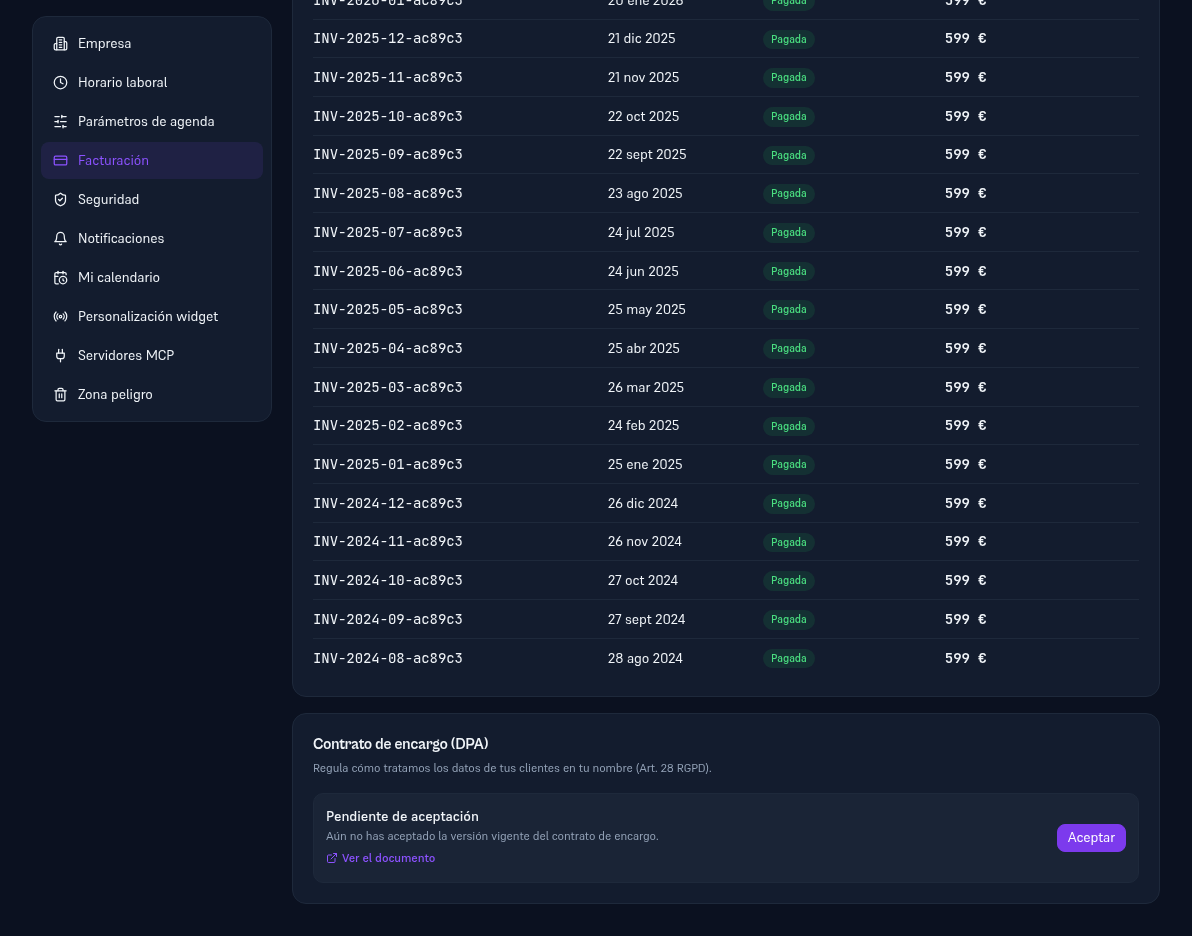
As an administrator, inside Settings → Billing (different from the “Billing” screen in the main menu) you’ll find the “Data processing agreement (DPA)” card: it governs how your provider handles your customers’ data on your behalf (GDPR Art. 28). It links to the document and has an Accept button — informational, it doesn’t block use of the Platform while it’s pending.